Every flight your fleet flies
October 6, 2026 | Product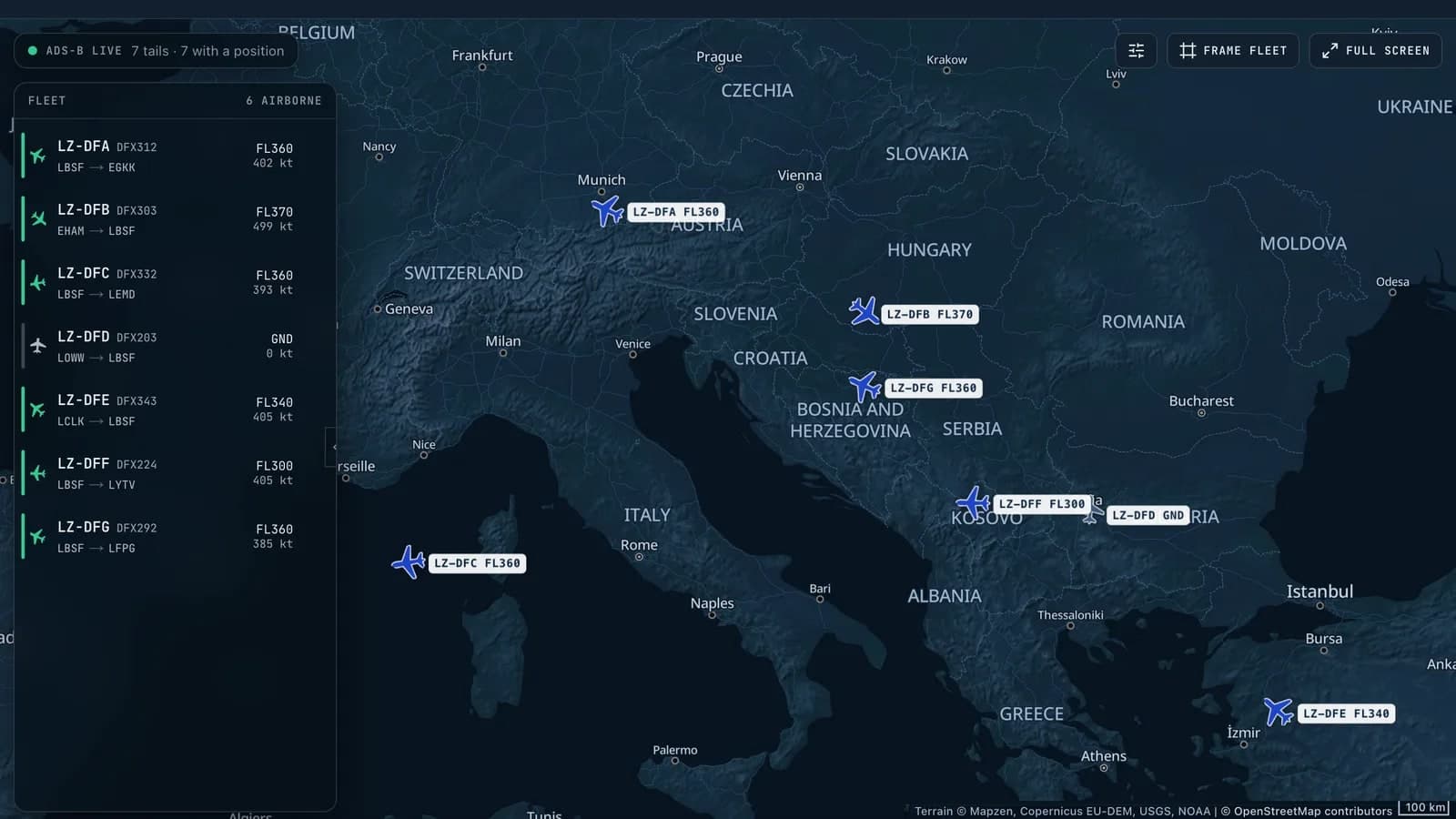
AeroSight Team
A download that never arrives leaves no trace in an FDM programme. AeroSight v2 brings ADS-B flight history beside the recorder data, flags flights still waiting for their download, and adds Live Fleet Monitoring: the fleet on a near-live map, with weather, navigational procedures and crew roster.
Yesterday we introduced AeroSight FDM v2. Over the next days we will take one part of it at a time, and this first piece starts with a question every FDM programme has to answer: of the flights your fleet flew, which ones actually reached the programme?
The flight that never arrived
A recorder download that never reaches the programme leaves no trace in the data you do have. The card stayed in the aircraft, a wireless transfer failed, a file went to the wrong inbox. Nothing in the programme looks wrong, because the flight is simply not there. It is one of the most common gaps in an FDM programme, and one of the hardest to see.
AeroSight v2 brings ADS-B flight tracking in beside your recorder data. The flights your fleet flew appear in the programme whether or not their download has arrived. A flight without its recorder data is marked as waiting for it, and when the download arrives, the two become one flight. A flight missing its data shows up as a gap, not as silence, and you learn about a missing download from the programme, not from the auditor.
The tracking data is not a substitute for recorder data. ADS-B tells you that a flight happened and where it went with just a basic set of parameters tracked; the recorder tells you how it was flown in full detail. Even so, a flight known only from ADS-B can be replayed in 3D or on the map while its download is on the way.
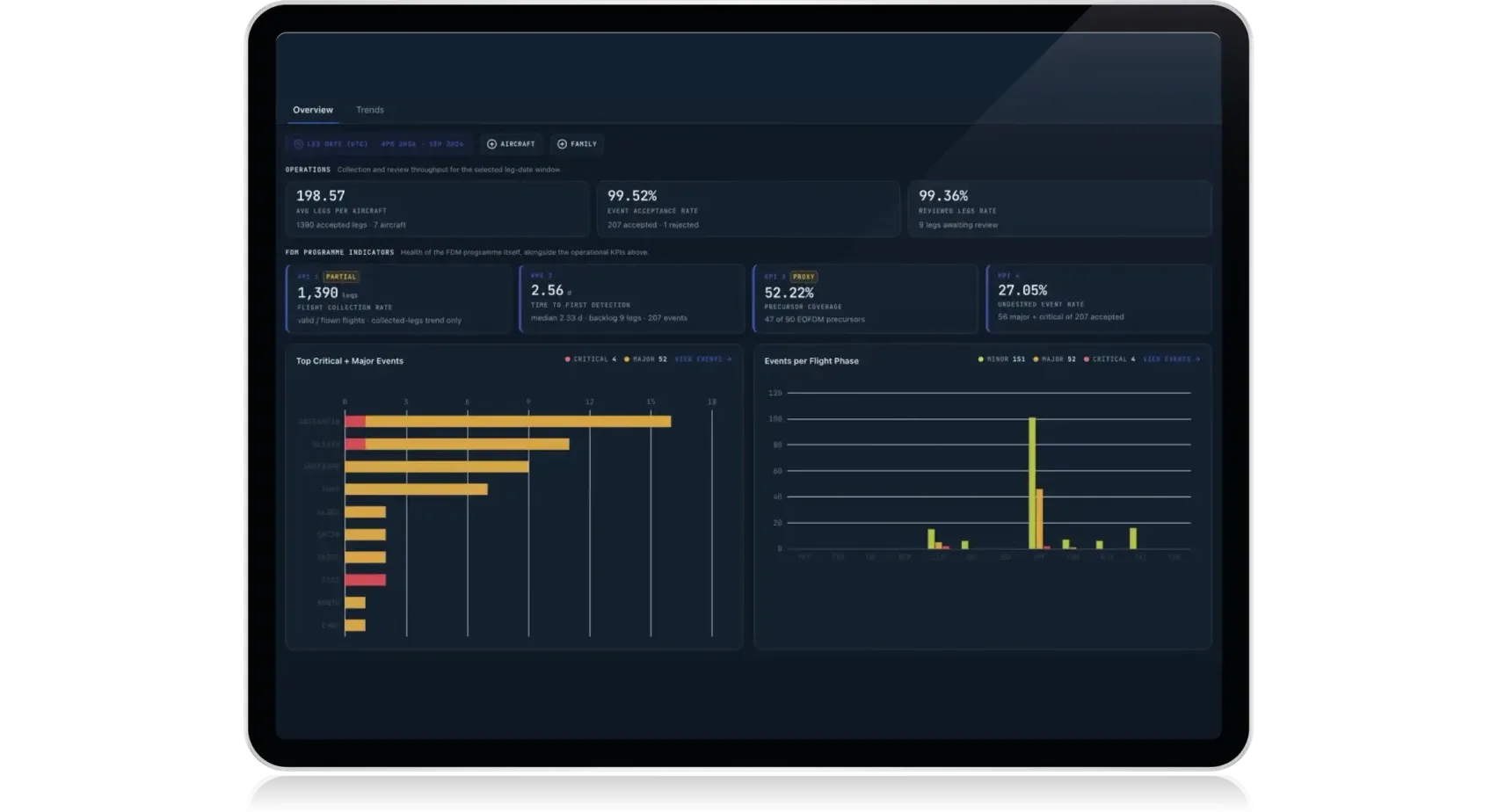
Collection rate is one of the programme-health measures EOFDM guidance recommends you track. With the flights you flew and the flights you received side by side, you can put a figure on it and defend it.
Your fleet, as it flies
With the optional Live Fleet Monitoring module, the same flight tracking puts your fleet on a near-live map. Each aircraft shows whether it is in flight or on the ground, where it is on its route, and its altitude and speed. Open an airport and a briefing shows its current METAR, its runways and its published navigational procedures from the active AIRAC cycle, and any of those procedures can be drawn on the map. Scroll back through the last two weeks to see where the fleet has been, and open any flight from the map straight into its flight view.
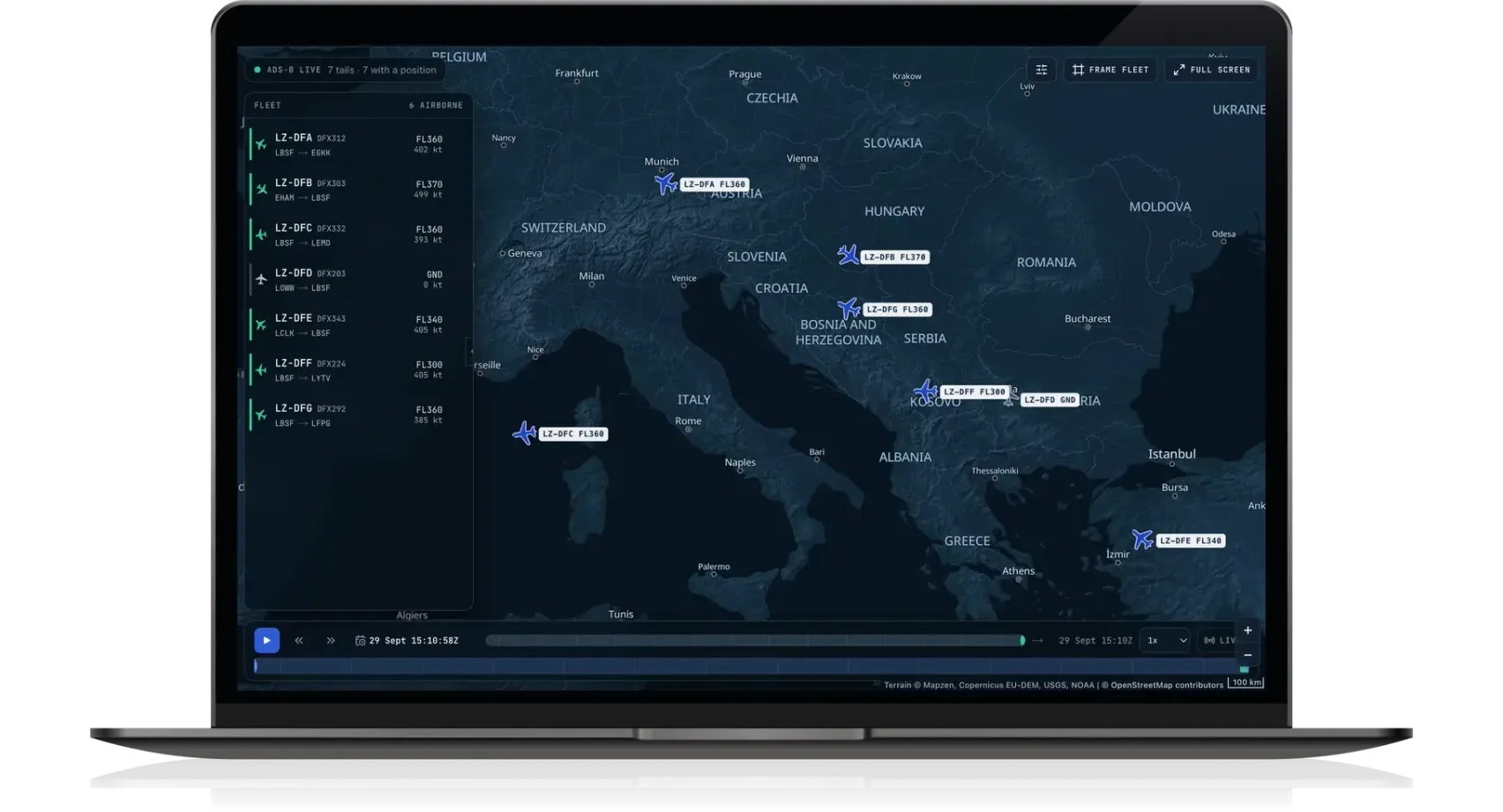
Map data © OpenStreetMap contributors. Terrain: Mapzen terrain tiles. Produced using Copernicus data and information funded by the European Union — EU-DEM layers. SRTM and GMTED2010 data courtesy of the U.S. Geological Survey. ETOPO1: NOAA National Centers for Environmental Information.
All of it in one place
None of this is a separate tool. The live map, the flight tracking, the weather, the navigational procedures and the recorder data live in one platform, and where your crew planning system is connected, so does the roster of who flew each flight. A flight you watched on the map at noon is the same flight your analyst reviews when its download arrives, with its weather already attached and its procedures just a click away.
For a Safety Manager the context is now more easily visible: which aircraft are en route now, and which downloads should be on their way into the programme. For everyone else it is the fleet in one place, with everything known about each flight beside it.
What happens to an upload
The part of AeroSight that operators have relied on for ten years stays. Upload a readout from the FDR or the QAR and the platform automatically splits it into flights, decodes them, checks every parameter and detects the events, ready for your review, with a parameter check report for every flight. Honeywell, L3, Teledyne, Safran and Avionica recorders are supported, as are generic ARINC 717 or ARINC 767 streams, and AeroSight maintains the frame layouts, so you never build or maintain a decoding definition yourself. Readouts that arrive through a wireless quick access recorder (WQAR) are automatically processed, with no need for manual upload.
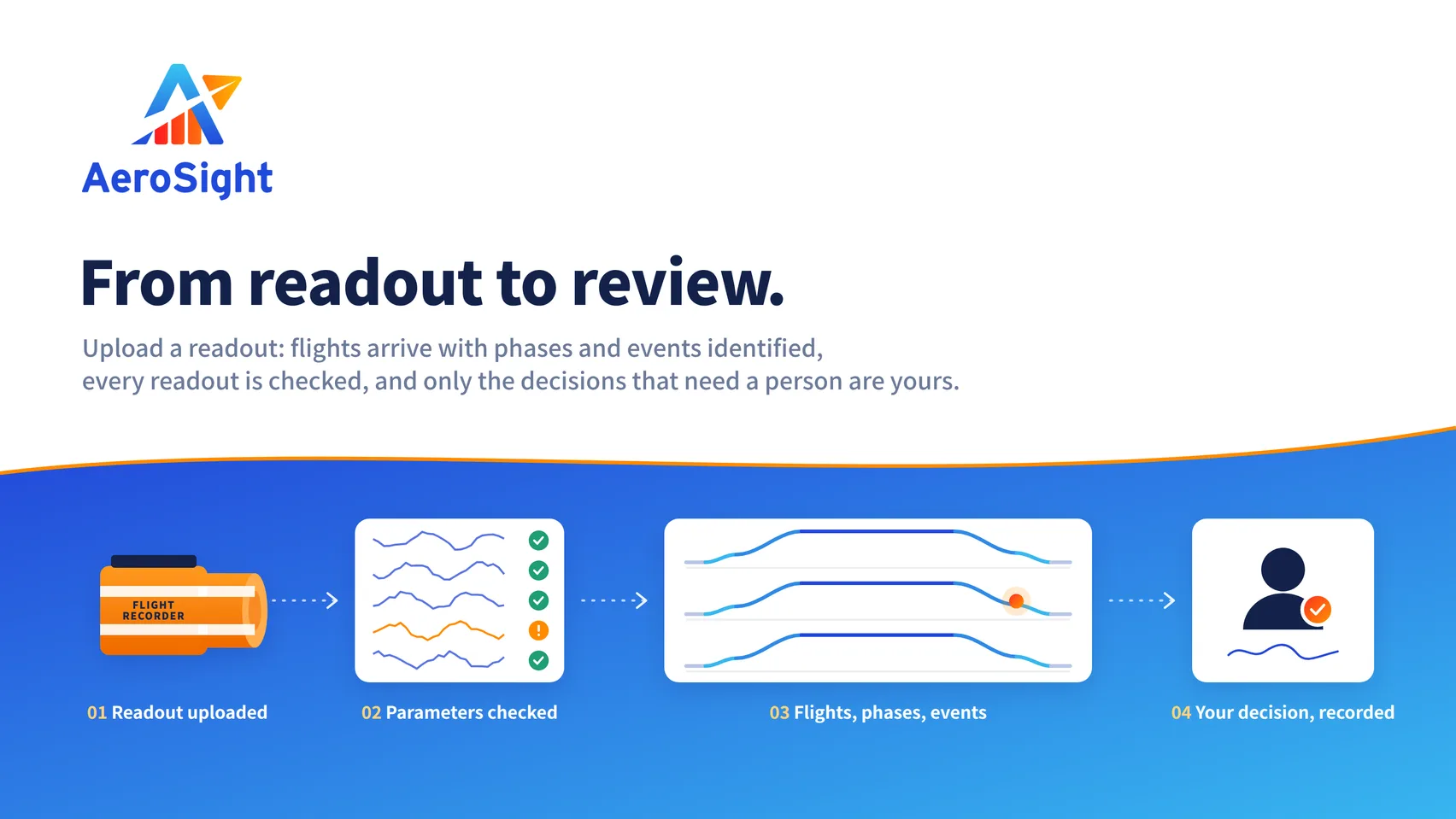
What version 2 adds sits around that processing. The decisions that need a person are gathered in one place, and each one is recorded, with who made it, when and on which readout, in an audit trail you can review and export. And when a critical event is found, the people who need to know hear about it in the app, by email or in the browser, without waiting for someone to log in and see it.
One aircraft or a hundred
For a single-aircraft operator, the coverage question used to be answered from memory. Now the answer is on the screen: a flight that was flown and not uploaded sits in the programme, waiting for its download.
For a hundred aircraft, the problem was never any single download. It was the volume, the mix of recorders across the fleet, and the risk of a flight slipping through unnoticed. Now the flights your fleet flies are accounted for, whoever uploads them and wherever they upload them from, and your Flight Data Analyst spends the week on events, not on chasing files.
Behind this is ten years of running FDM programmes, experience with 40+ aircraft types, and 40,000 flights processed a month.
See it with your fleet
Request a demo and we will walk you through fleet coverage and Live Fleet Monitoring with your fleet in mind. There is more on both on the fleet coverage page, and the video and the rest of v2 are on the AeroSight FDM v2 page.
Tomorrow's deep-dive, "See the flight, not the spreadsheet", looks at what happens once the flights are in. And if you are at the World Aviation Festival in Lisbon on 13–15 October, come and find us at booth 2-139.
Related Articles
Introducing AeroSight FDM v2 - what ten years taught us
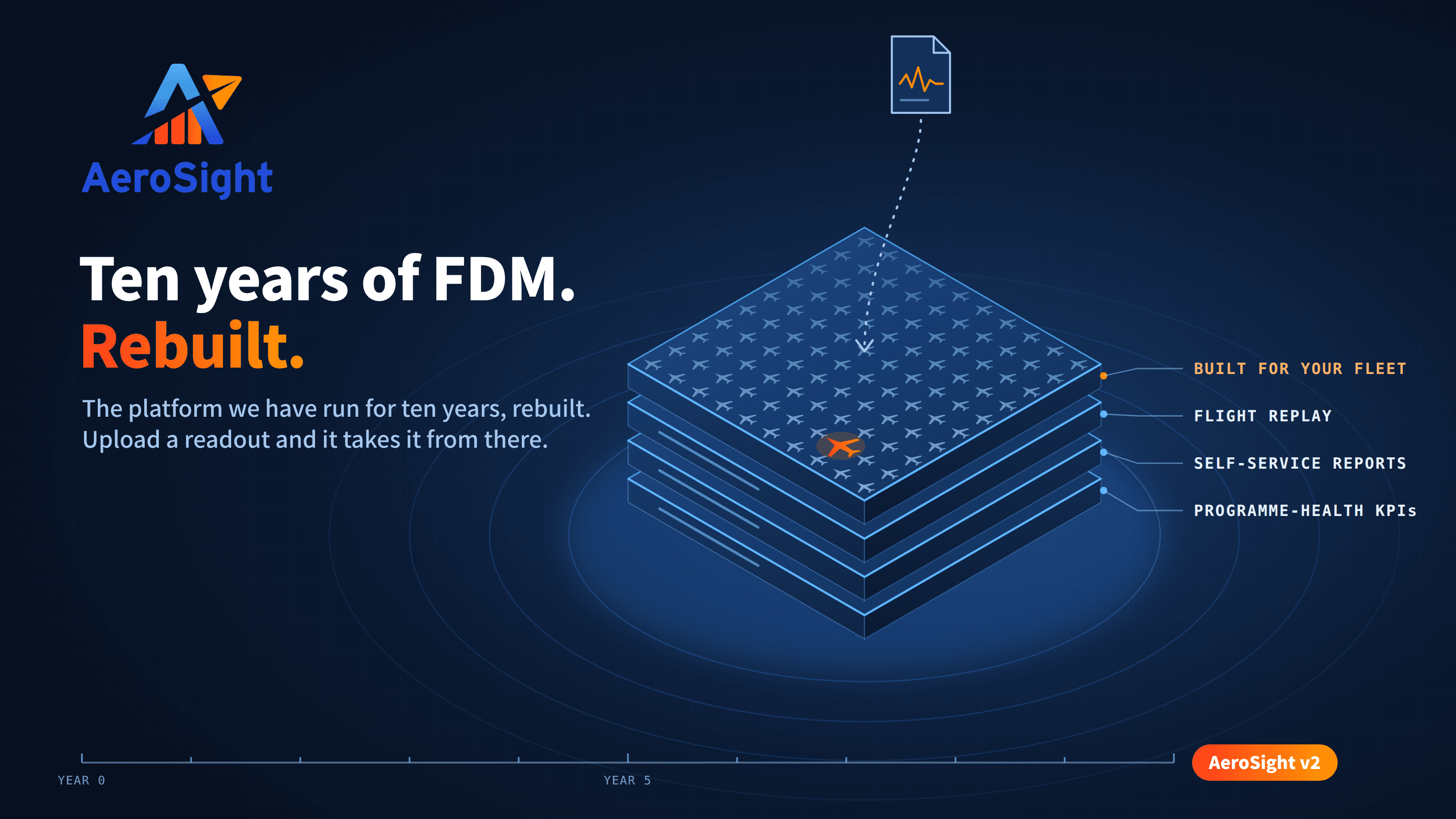
AeroSight FDM v2 is a rebuild of the platform we have run for ten years: every flight your fleet flies, event detection you tune yourself, programme-health KPIs, self-service reports, fuel efficiency and Live Fleet Monitoring, for one aircraft or a hundred.